






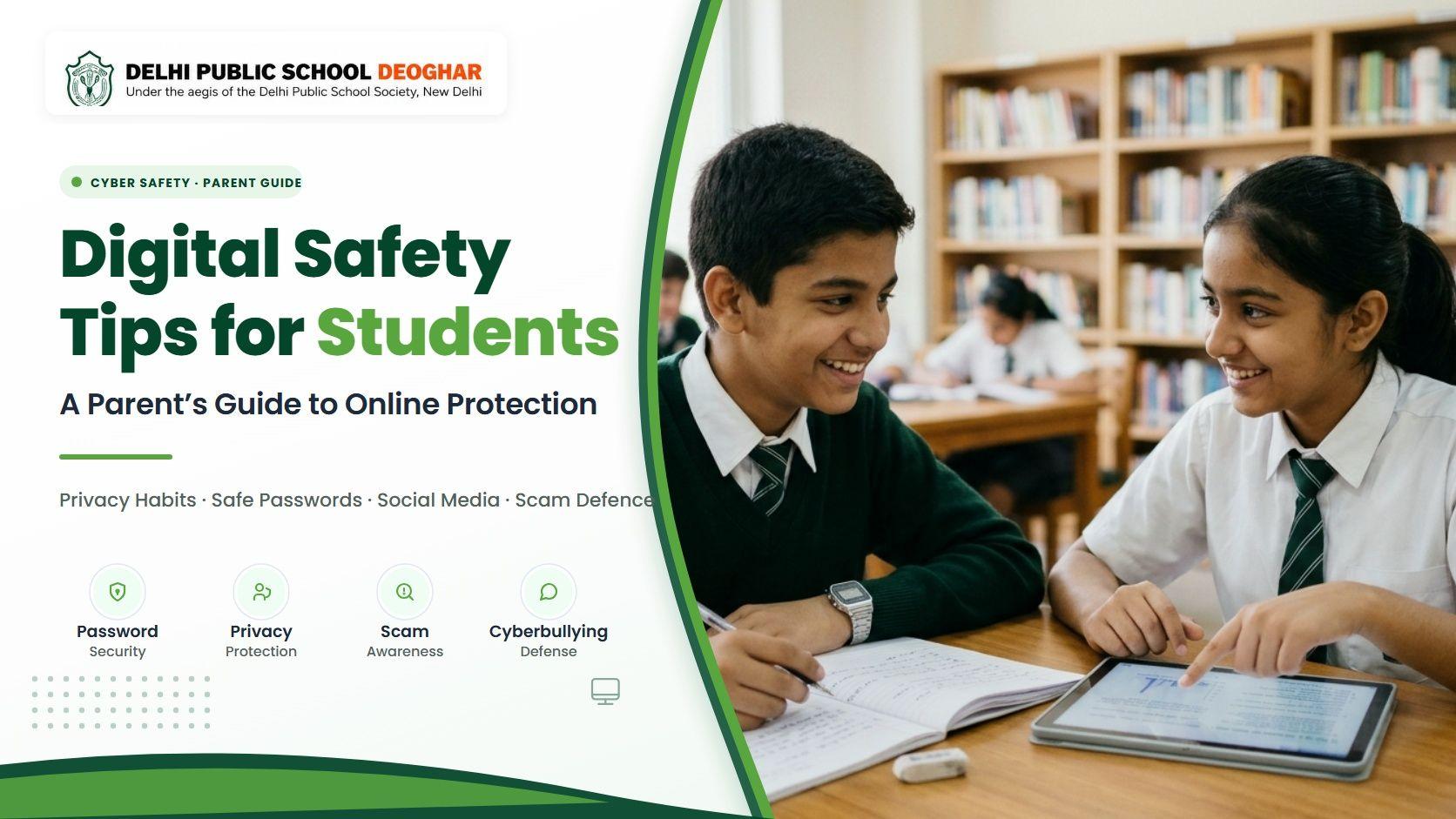
Digital Safety Tips for Students: A Parent's Guide to Online Protection
November 19, 2026
Learn practical digital safety tips for students, from strong passwords to cyberbullying prevention. A parent's guide to online protection by DPS Deoghar.
Digital safety tips for students matter more today than ever, because most children open a screen before breakfast for homework, a class group chat or a quick video. These tools support learning, but they also bring risks that many families discover only after something goes wrong.
This guide is written for parents in the DPS Deoghar community. It explains the common risks, seven habits to practise at home, and the exact steps to take when something online feels wrong.
Key Takeaways
• Start early: Talk about online safety before your child gets a first device, not after the first problem appears.
• Protect privacy: Full name, school, address, photos and OTPs should never be shared with strangers online.
• Use strong passwords: Long, unique passphrases and two-step verification protect school, email and gaming accounts.
• Keep talking: Children who feel safe speaking to parents report problems sooner and recover faster.
• Know where to report: Use cybercrime.gov.in for cybercrime, call 1930 for financial fraud, and call Childline 1098 for child protection support.
Why Is Digital Safety Important for School Students?
Digital safety is important because children now learn, play and socialise online, often before they can judge risks such as strangers, scams or harmful content. Teaching safe habits early protects their privacy, emotional wellbeing and future reputation.
Young users tend to trust easily, click quickly and share freely. That is why digital safety for school students cannot be left to chance or to a single awareness talk.
A photo or comment posted at age twelve can resurface years later during college or job applications. Online privacy for students is therefore about protecting tomorrow's opportunities as much as today's comfort.
Safe technology use works best when home and school share the same message, aligning the modern CBSE curriculum with active parent-teacher communication to reinforce safety rules across both settings.
Common Online Risks Every Student Should Know
The most common online risks for students are cyberbullying, oversharing personal information, online scams, inappropriate content, contact with strangers and excessive screen time. Knowing each one helps parents spot trouble early.
• Cyberbullying: Hurtful messages, shaming screenshots or exclusion from group chats can damage confidence and school performance. Cyberbullying prevention starts with noticing mood changes after your child uses a phone.
• Oversharing: Location tags, uniform photos and birthdates help strangers identify a child. Even a casual post can reveal where a student studies or spends the evening.
• Scams and phishing: Fake gaming rewards, free recharge offers and false scholarship messages target young users. Online scams awareness helps children pause before they click.
• Inappropriate content: Videos, ads and search results can show violent or adult material within a few clicks. Parental controls and safe search reduce accidental exposure.
• Contact with strangers: Online friends in games or social apps are still strangers. Children must know never to share private photos or agree to meet anyone offline.
• Excessive screen time: Hours spent scrolling late at night lead to fatigue, eye strain and lower grades. For healthy routines on managing student stress and screen-time balance, families should set screen-free hours before sleep.
7 Essential Digital Safety Tips for School Students
These practical digital safety rules for school students give children clear actions they can take every day.
• 1. Keep personal information private: Students should never share their full name, home address, phone number, school name, date of birth or family routines on public profiles or with gaming contacts.
• 2. Create strong unique passwords: Use a passphrase of three or four random words, mix letters and numbers, and never use a pet's name or birthday. Turn on two-step verification wherever available, and never share passwords with friends.
• 3. Think twice before posting or sharing: If you would not show a photo or comment to your principal or grandparents, do not post it. Remind students that once an image is online, copies can stay forever.
• 4. Spot and avoid online scams: Free diamonds in games, prize wheels, quiz links asking for personal data and messages pretending to be from friends in trouble are common tricks. Developing critical thinking and problem-solving skills teaches children to verify before clicking.
• 5. Be kind and report cyberbullying: Treat others online with the same respect expected in class. If someone targets you or a classmate, take screenshots, do not reply, and tell an adult immediately.
• 6. Do not meet online strangers in person: An online gaming partner or chat friend is still an unfamiliar person. Never agree to meet someone you know only from the internet, and report any request for private meetings.
• 7. Talk to an adult when in doubt: The single most effective safety rule is simple: if something makes you uncomfortable, confused or scared, tell a parent or teacher right away without fear of losing your phone.
How Parents Can Protect Children Online
Parents can protect children online by combining open conversation, family rules and technical safeguards. Technical filters help, but open trust is what brings problems to light before they grow serious.
Create a simple family technology agreement. Decide together where devices can be used, when screens turn off at night, and which apps are allowed. Keeping devices in shared family spaces makes supervision natural and removes secrecy.
Use age-appropriate parental controls on home Wi-Fi routers, phones, tablets and gaming consoles. Enable SafeSearch in browsers, restrict in-app purchases, and set screen-time limits. Check privacy settings on your child's accounts every few months, because platform updates frequently reset defaults to public.
If you notice a worrying pattern or persistent distress, do not wait. You can contact the school so that teachers and parents can support your child together. Parents can also consult our school FAQs for guidance on student welfare policies.
Role of Schools in Promoting Digital Safety
Schools support digital safety by teaching cyber safety tips for students in the classroom, setting clear acceptable-use rules, monitoring school networks and giving children trusted mentors to approach. This daily reinforcement turns advice into lifelong habit.
In dedicated learning spaces such as the Robotics and Innovation Lab, students gain hands-on technical literacy alongside lessons on ethical online behaviour. As explored in our guide on how AI is transforming school education, safe digital navigation is an essential skill for the 21st century.
At DPS Deoghar, maintaining a future-ready school environment means digital citizenship lessons, strict cyber safety protocols, and collaborative workshops with families so children hear the same protective message everywhere.
How to Build Responsible Digital Habits in Children
Children build responsible digital habits through consistent routines and positive reinforcement. Safe habits form through repetition, so small daily rules work far better than occasional strict warnings.
Balance screen time with sports and co-curricular activities, keeping homework before entertainment and maintaining a screen-free hour before bed to support healthy sleep.
Give freedom in steps. Begin with supervised use, then allow more independence as your child demonstrates sound judgment. This gradual approach also supports broader student development at DPS Deoghar, because trust and responsibility grow together step by step.
A weekly ten-minute family chat about what everyone enjoyed or found confusing online keeps communication open and makes safety part of normal conversation.
What Should Students Do If They Face Online Threats?
If a student faces an online threat, they should stop responding, save evidence, block the person and tell a trusted adult immediately. Acting calmly and quickly limits the harm.
• 1. Stop and do not reply: Responding to bullies, scammers or strangers often escalates the situation.
• 2. Save the evidence: Take screenshots of messages, usernames and profile links before anything is deleted.
• 3. Block and report on the platform: Every major app offers tools to block users and report abusive accounts.
• 4. Tell a parent or teacher: Adults can take constructive next steps. The student has done nothing wrong by asking for help.
• 5. Report serious cases: Parents can file a complaint at cybercrime.gov.in, call 1930 for financial cyber fraud, or call Childline 1098 for child protection support.
Remind your child that being targeted online is never their fault, and that confiding in you is always the right decision.
Conclusion: Safe Clicks Begin with Informed Families
Strong digital safety is built through everyday habits: guarding personal information, choosing good passwords, thinking before posting, and speaking up early. No filter or app can replace a child who feels confident enough to say, "Something feels wrong."
Start with one change this week, such as a family tech agreement or a joint privacy check. Small steps repeated over time create lasting protection, and these digital safety tips for students work best when schools and parents reinforce them together.
To learn more about our school culture and programs that support students beyond the classroom, explore our about DPS Deoghar overview, or review the DPS Deoghar admission procedure to plan your child's educational journey.
FAQs
There is no single right age. Readiness depends on responsibility, not birthdays. Many parents begin with a basic phone or a shared family device, then move to a smartphone with parental controls once the child follows rules consistently.
Experts do not agree on one exact number, so consistency matters more. Finish homework first, keep meals and bedrooms screen-free, and avoid screens for an hour before sleep. Adjust limits as your child grows.
Watch for sudden mood changes, reluctance to use the phone or attend school, secretive behaviour, dropping grades and withdrawal from friends. Ask open questions in a calm moment and reassure your child that you are there to help.
Open, age-appropriate supervision works better than secret spying. Tell your child what you check and why, review apps together, and reduce monitoring gradually as trust and good judgment grow.
Stay calm and avoid blame. Stop all contact, save screenshots, block and report the account, and change passwords if needed. If the stranger is threatening or asks for money, report it at cybercrime.gov.in.
No. Parental controls help filter content and limit time, but children can find workarounds. They work best alongside regular conversation, clear family rules and teaching children to make safe choices themselves.
Use real examples such as fake prize messages or requests for OTPs. Role-play a scam call or message together and agree on one rule: never share codes, PINs or passwords, and always ask an adult first.
It can be safe with limits, but it carries risks. Most platforms require users to be at least 13. Keep accounts private, limit who can message your child, review friends lists together and discuss what is suitable to post.
Get in Touch
Still have questions? Fill out the form below and our team will get back to you shortly.